
Imagining a little demo #
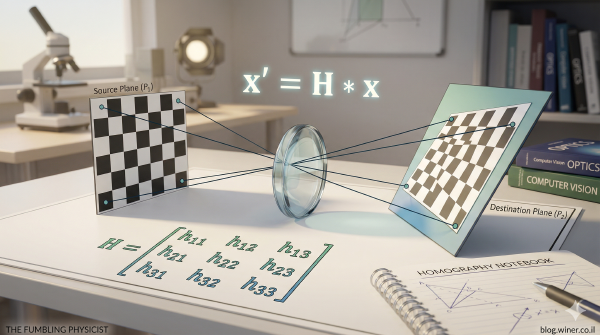
In a previous post I wrote about Homography and how manipulating images to create an arbitrary projection onto a screen (or camera sensor) from a 3-dimensional space works. That was a nice little piece of math if you ask me, but I wanted to show a demonstration that’s a bit more exciting and figured video would be even cooler than a single image.
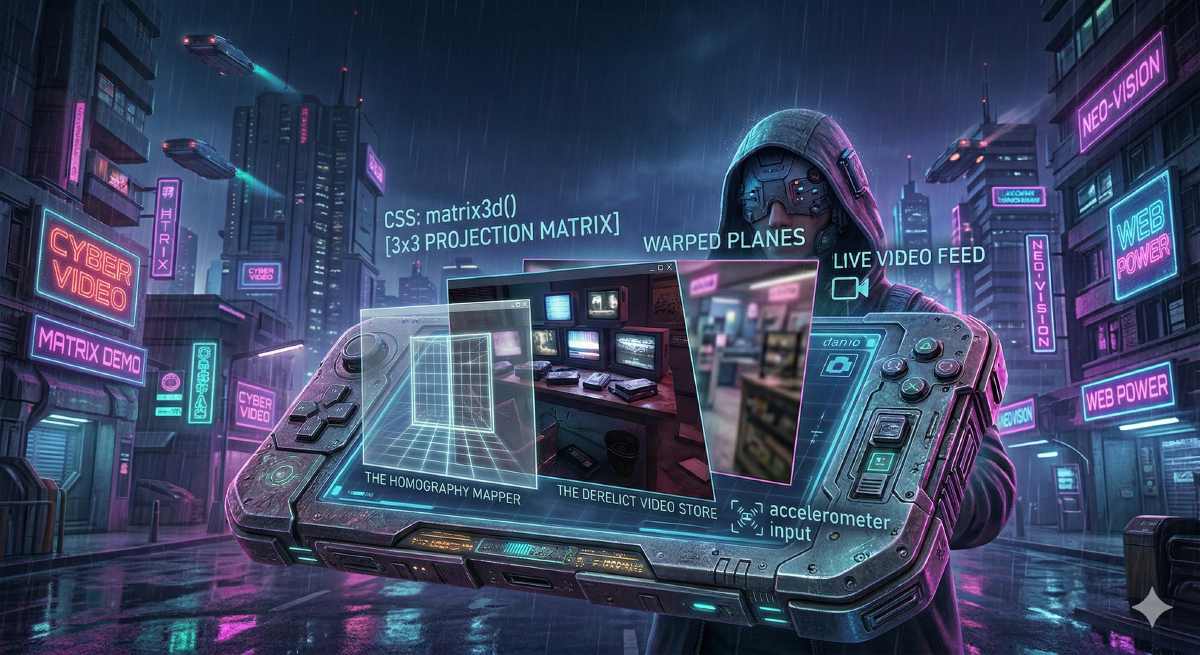
That led me to imagining a video feed that’s distorted in some way, and if a single feed is nice, why not have a few of them in some cyberpunky type old, but at the same time futuristic, kind of way. Like a derelict video store from a 1980s Bladerunner existence. Yes, I’m on a few days off work and my mind wanders.
In any case… Thinking about how setting up something like that I immediately started to think about how computationally intensive this may be. Will Python suffice? Will I have to learn how to write a GPU shader? I want to do that, but if the task is going to be hard and involved, I won’t have time to get into that right now. Do I use Rust again?
CSS to the rescue #
Well, it turns out you don’t have to do anything hard at all. All the hard work as already done for us, in CSS of all places. CSS is built to manipulate the appearance of elements on web pages. It does that incredibly well and is optimized in all imaginable ways because of-course it is. If you look at the docs, there’s a transformation method called matrix3d() which defines a 3D transformation as a 4x4 homogeneous matrix. If you need a refresher on what that is, you can read the previous post. But it’s exactly what we need to take an element and project it Homographically! The browser than does this in the most optimal way imaginable, using the GPU for rendering. To me, this is mind blowing. No Rust, no low level, no thinking about how to make something work in the GPU. It even works on your cellphone and as a developer I get this for free! Don’t know how exciting this is to you but to me it made it click that modern browsers are an amazing technology.
The demo #
You can check out the demo below. It features three image layers that are offset from each other. A window pane, a table with some screens and a shop background that’s a bit hard to see. If you give the browser permissions to use your camera then you see the video feed transformed live. The three layers offset slightly from each other as you move the cursor to get a parallax effect, and if you are running this on your phone, it reads the accelerometer to get the parallax going. Again, the way to implement this effect is CSS with just the tiniest bit of javascript to pull data from the camera and sensor. Browsers FTW.